The client on every laptop and server
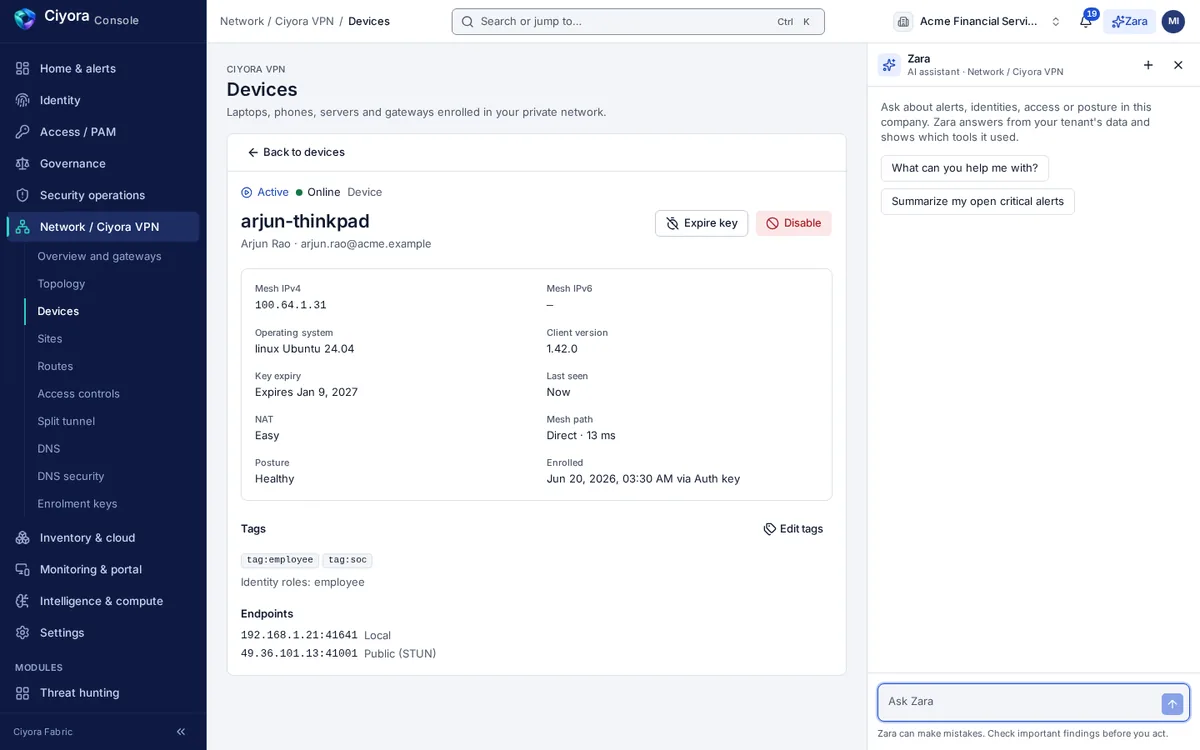
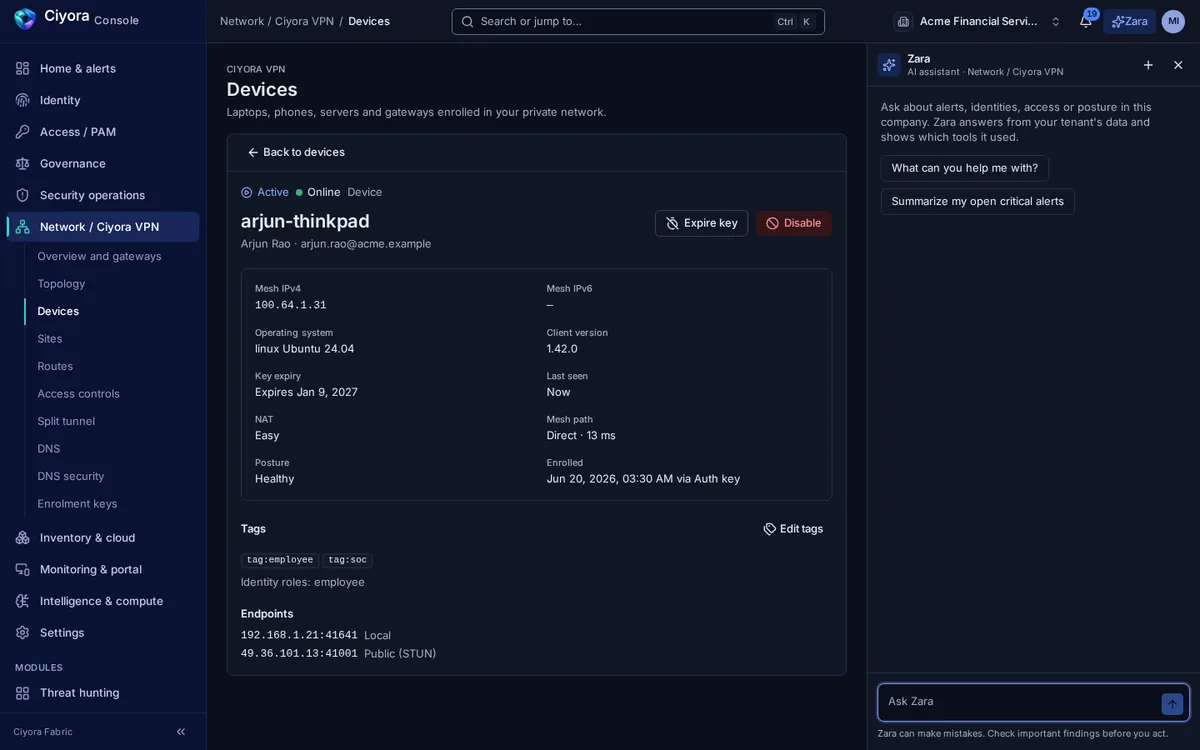
Ciyora Client runs as a system service on Windows, macOS and Linux. It connects the device to Ciyora VPN, resolves internal names, and tells the platform whether the device meets your posture rules.
What Ciyora Client does
- Mesh connectivity
- WireGuard tunnels to other devices and gateways, with NAT traversal for direct paths and an encrypted relay when a direct path is not possible.
- Split DNS
- Internal names resolve through the tunnel using each operating system’s own mechanism: NRPT on Windows, resolver files on macOS and systemd-resolved on Linux.
- Device posture
- Checks for OS version, disk encryption, antivirus, screen lock, OS updates, firewall and client version, enforced or reported as a warning.
- Kill switch
- An optional policy that blocks traffic outside the tunnel while connected, so nothing leaks if the tunnel drops.
- Subnet router mode
- Turn a server into a gateway that advertises local networks into the mesh, for hosts that cannot run the client.
- Several tenants or environments
- Switch between connection profiles, for example development and production, without editing files or restarting the service.
- Hardening on Linux and dark networks
- An identity-aware packet filter on Linux, and single packet authorization so the control plane only answers clients that knock first.
- Tray app and command line
- Status, connect and disconnect from the tray on desktops; status, up, down and peers from the command line on servers.
Deploy it the way you deploy software
The binary does not contain a server address. Each tenant or environment is a small connection profile that carries the control-plane address and how to authenticate. Profiles can be pushed by MDM, imported with a double-click, or added in the tray app.
- Runs as a Windows service, a macOS launch daemon or a systemd unit, restarted automatically
- The tray app and command line talk to the service over a local socket restricted to the signed-in user and administrators
- Installers are available to employees from the portal’s Downloads page
Ciyora Client and the endpoint agent. Ciyora Client handles network access and posture. Endpoint telemetry, detection and monitoring come from the Ciyora endpoint agent, which you deploy only if you use Ciyora Detect or Ciyora Monitor.
Try Ciyora Client on a pilot group
Start with a handful of devices and one site gateway, then expand by group.