One console for every role in security
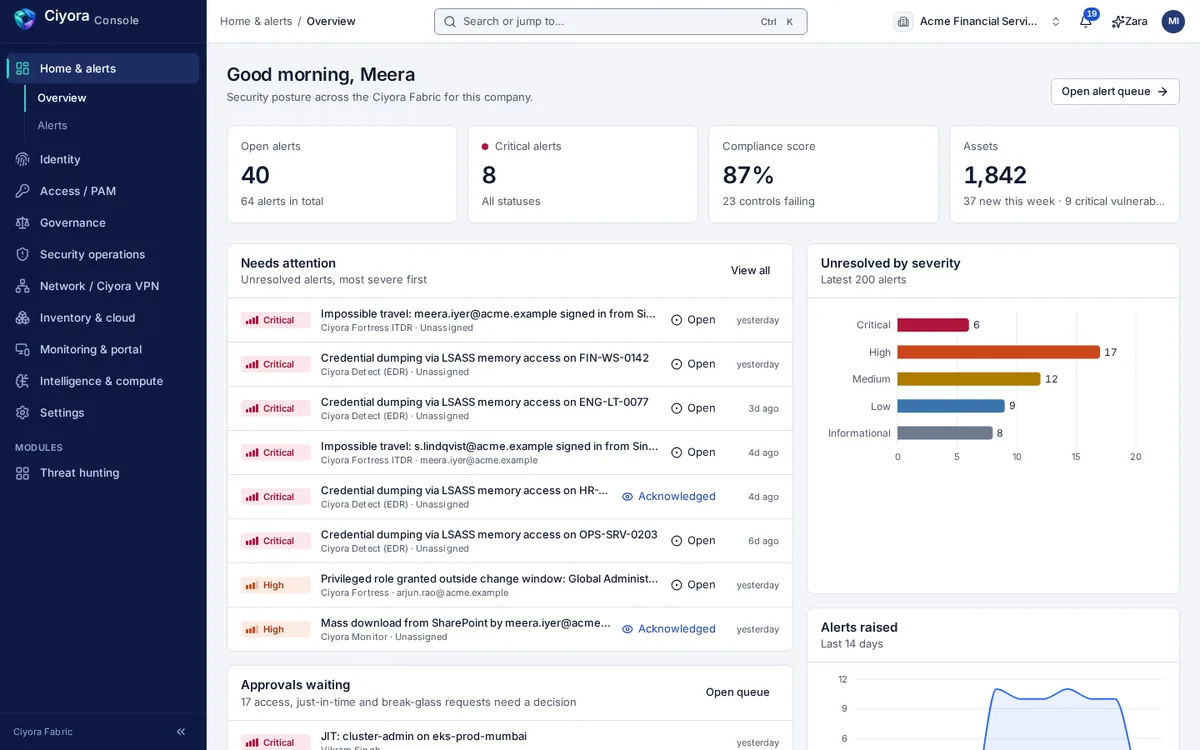
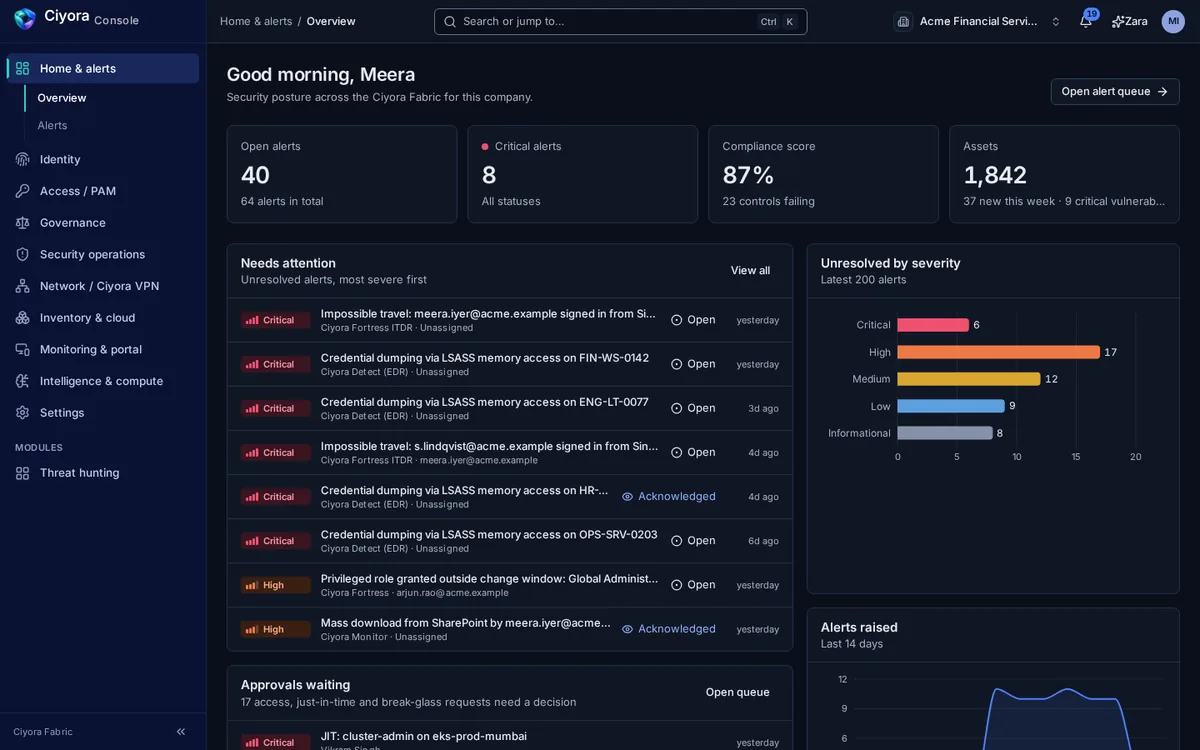
Ciyora Console is where administrators, SOC analysts, approvers, auditors and employees work with Ciyora Fabric. Each person sees the areas their role allows, in one consistent interface.
Organized by the work, not by the product
Navigation follows what people do: home and alerts, identity, access and privileged access, governance, security operations, network, inventory and cloud, monitoring and the employee portal, intelligence and settings. Ctrl+K jumps to any page or identity.
- Approvals, reviews and requests in one queue, with a notification tray
- Every destructive action confirmed, and the riskiest ones confirmed by typing
- Reasons captured for decisions and written to the audit chain
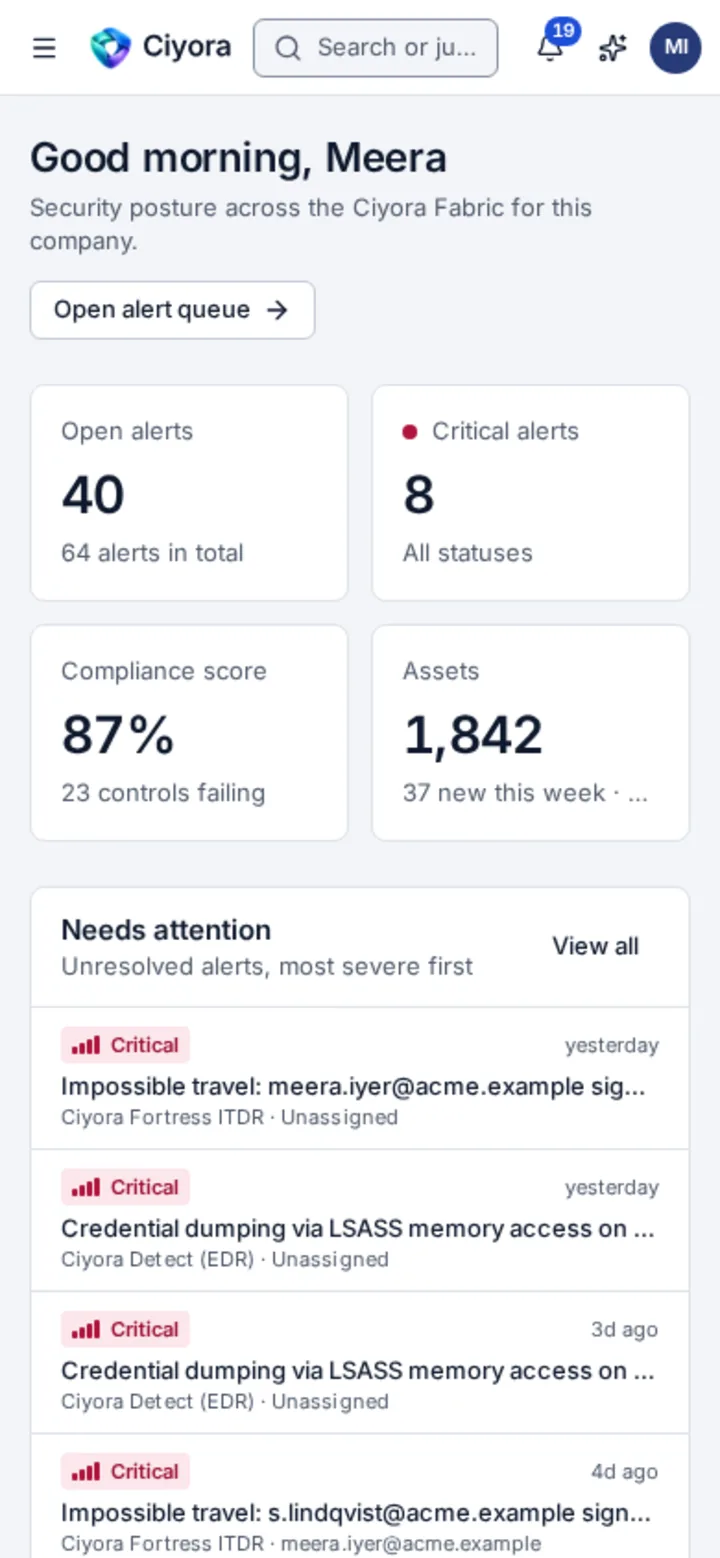
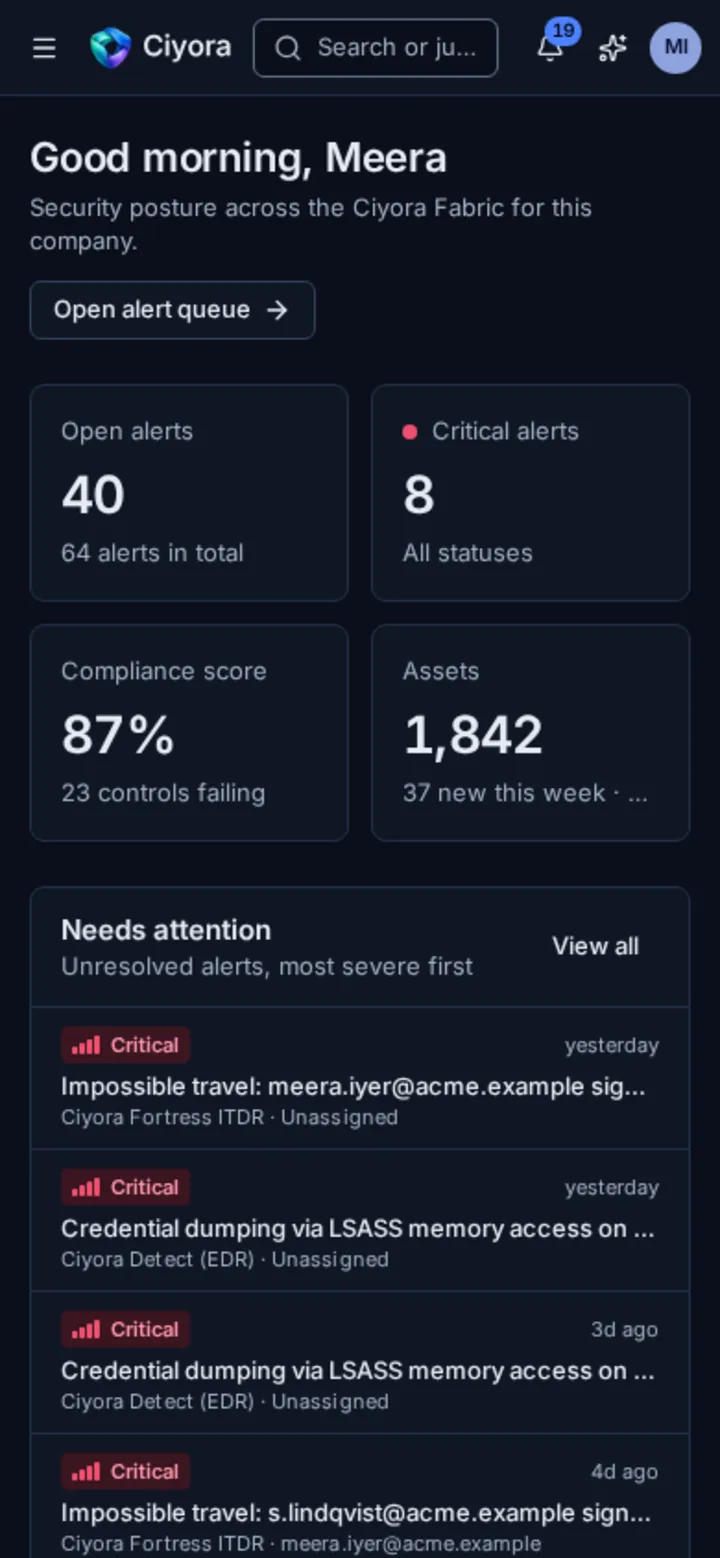
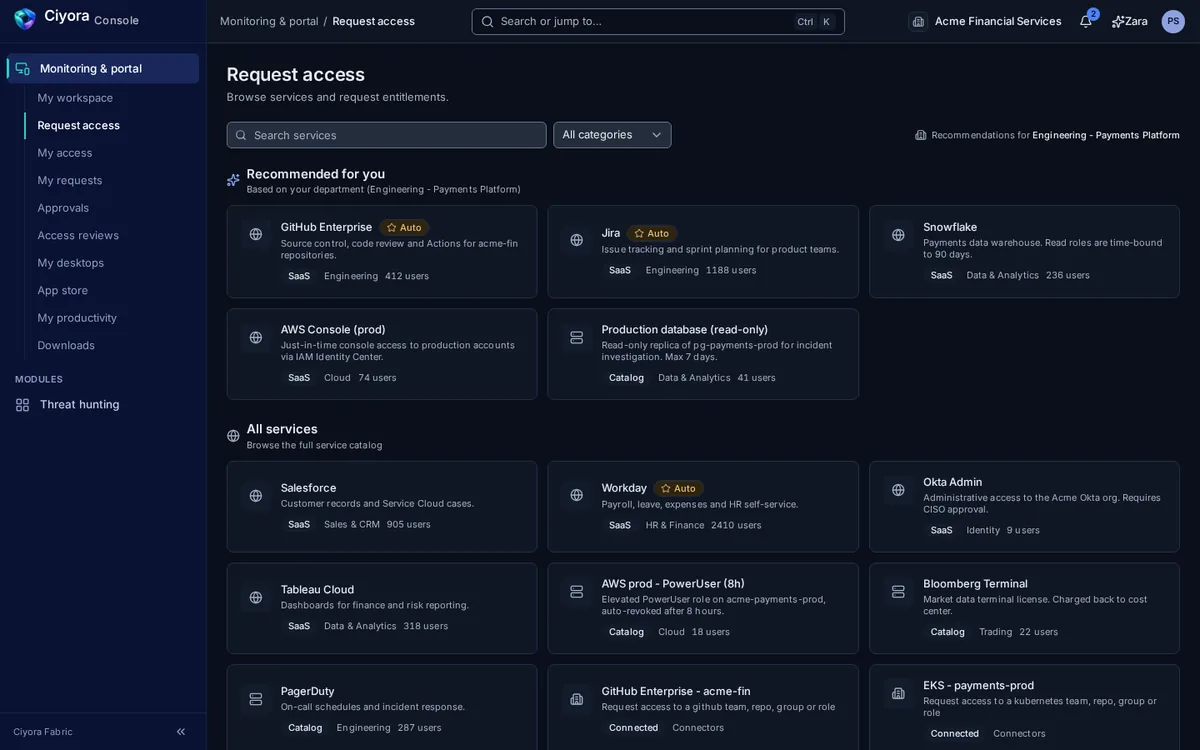
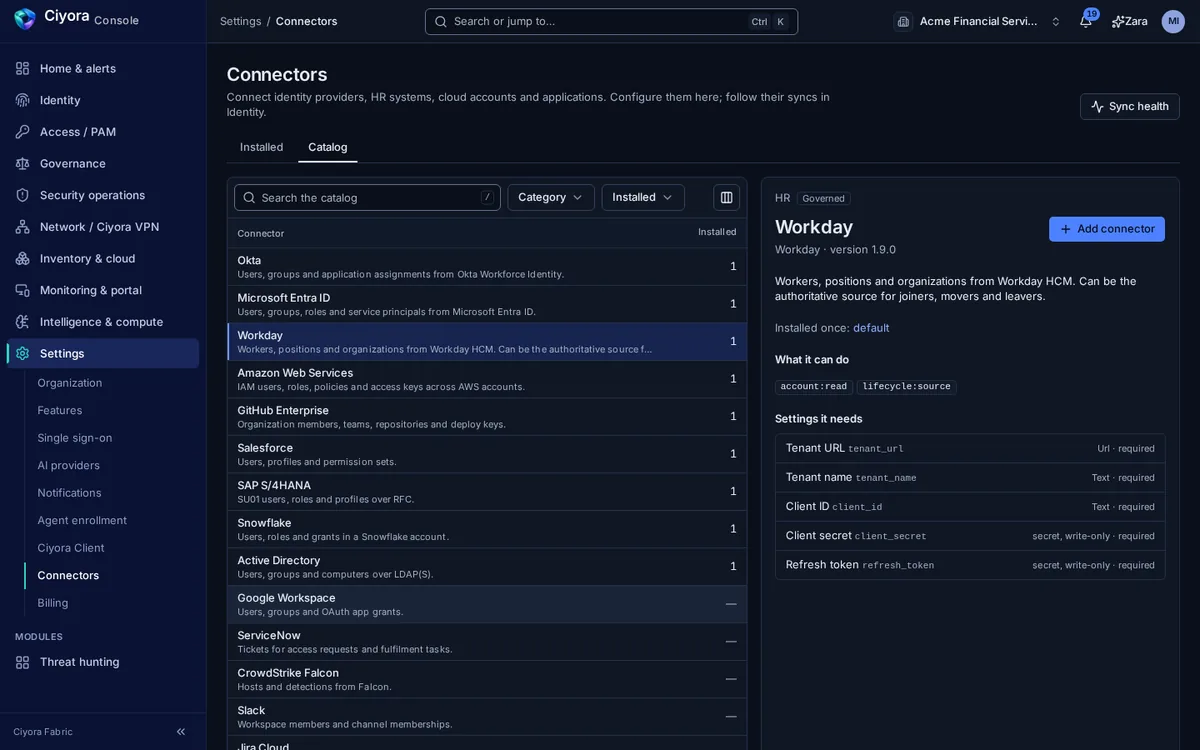
- Light and dark themes, full keyboard support and layouts that work on a phone
A portal for every employee
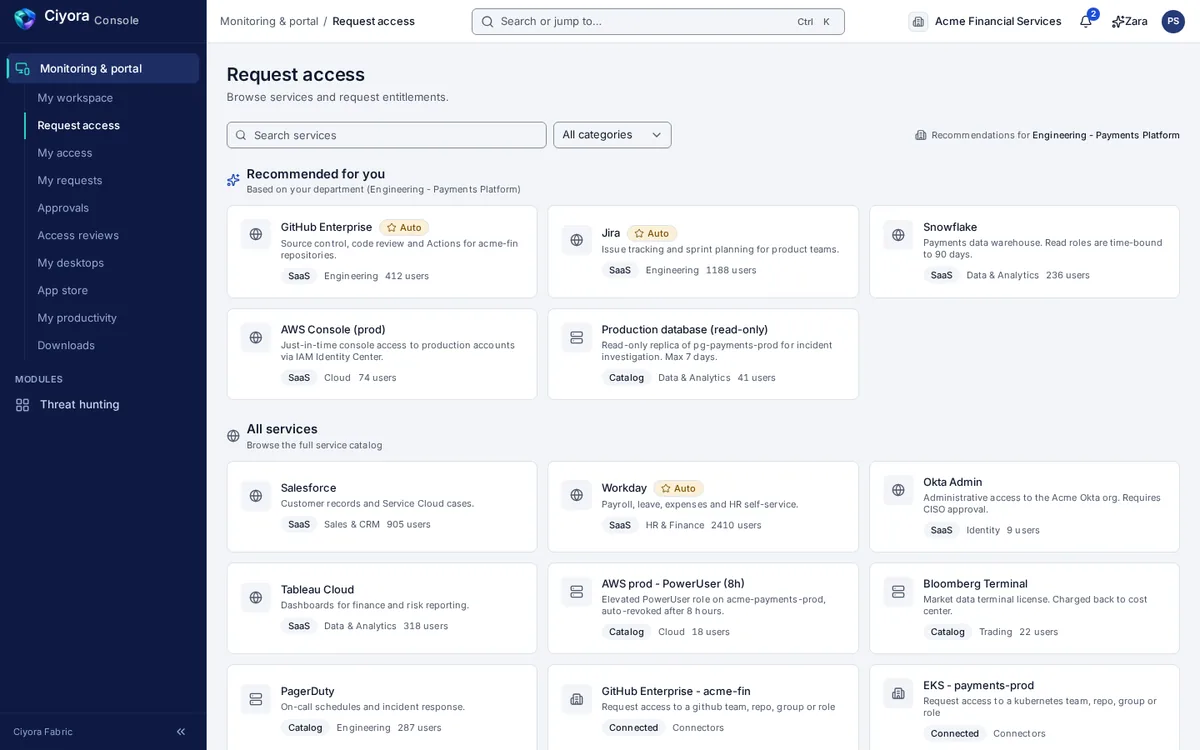
Employees use the same console to request access from a catalogue with recommendations for their department, follow their requests, review their access, approve requests assigned to them, download Ciyora Client and read the monitoring notice that applies to them.
Settings you can hand to an administrator
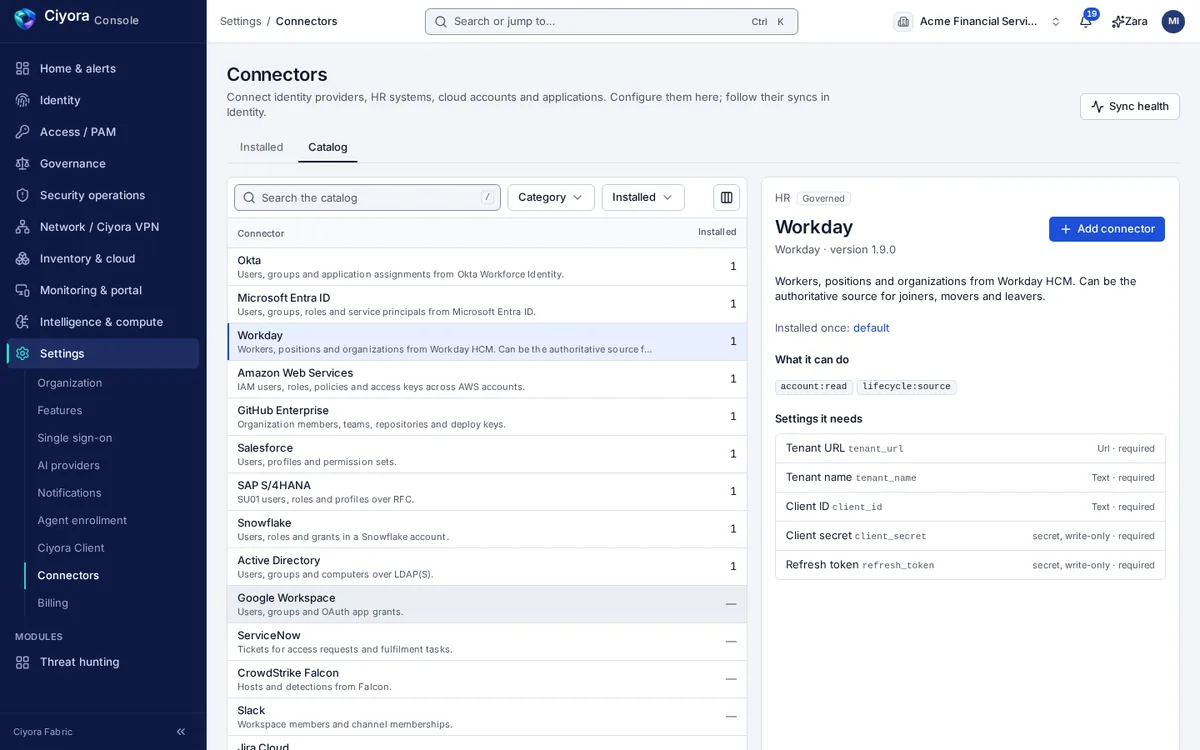
Single sign-on with SAML or OIDC and domain verification, feature switches, data retention per data type, the language model behind Zara, agent enrolment tokens and approval policies, the Ciyora Client control plane, and the connector catalogue. Secrets are write-only and are never shown back.
No tokens in the browser
Ciyora Console signs people in through your identity provider with the authorization code flow and PKCE, run on the server. The browser holds only an encrypted, HTTP-only session cookie; access tokens stay on the server, which adds them to API calls. Sessions have a maximum lifetime, and cross-origin writes are refused.
See Ciyora Console with a sample company
We demo on a fictional financial-services tenant, so you can see every area with realistic data.