People and workDocuments and e-sign

Generate documents from templates, send them for signature with OTP and keep a sealed, verifiable record.

Documents and e-sign builds documents from templates with merge fields from other Ciyora apps, sends them to signers in a set order, and seals the completed PDF with an audit certificate. Offer letters, quotes, contracts and board papers can be sent from the app they belong to. Completed documents are filed in folders with retention rules, and anyone can check a signed PDF on the public verify page.
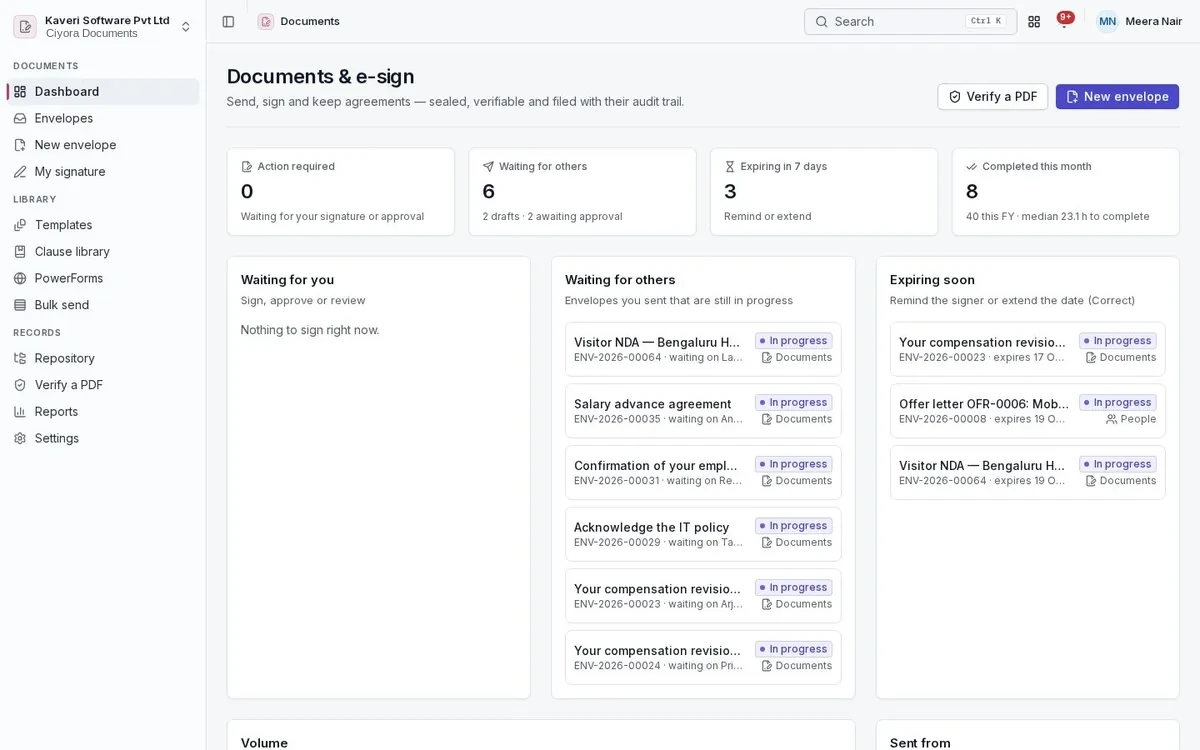
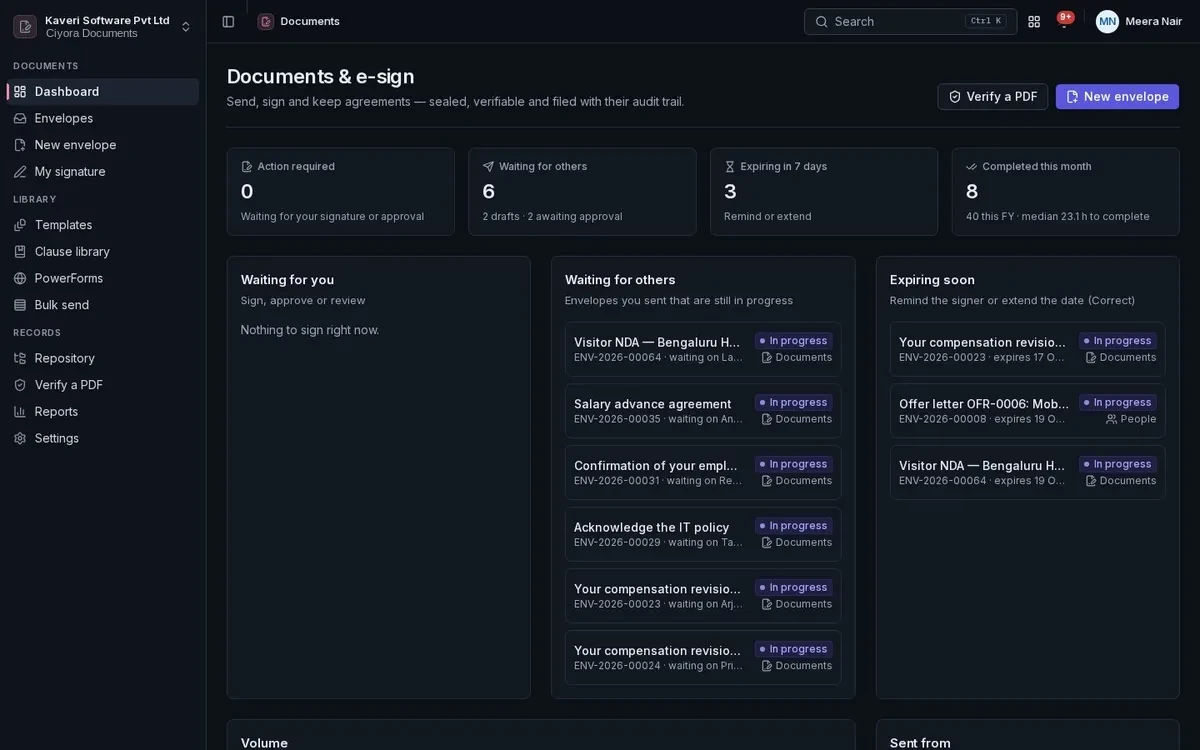
Documents and e-sign dashboard: envelopes waiting for others, documents expiring soon and recently completed envelopes.Documents and e-sign dashboard: envelopes waiting for others, documents expiring soon and recently completed envelopes.

Key capabilities

  • Templates with merge fields from every app
  • Sequential and parallel signing order
  • Email OTP and access code authentication
  • Sealed PDF with an audit certificate
  • Bulk send and public signing links
  • Folders with retention and legal hold

Dashboard

What needs your signature, what is waiting on others and how fast documents come back.

  • Action required, waiting for others and expiring soon
  • Completed this month and average turnaround
  • Envelopes by source app

Envelopes and routing

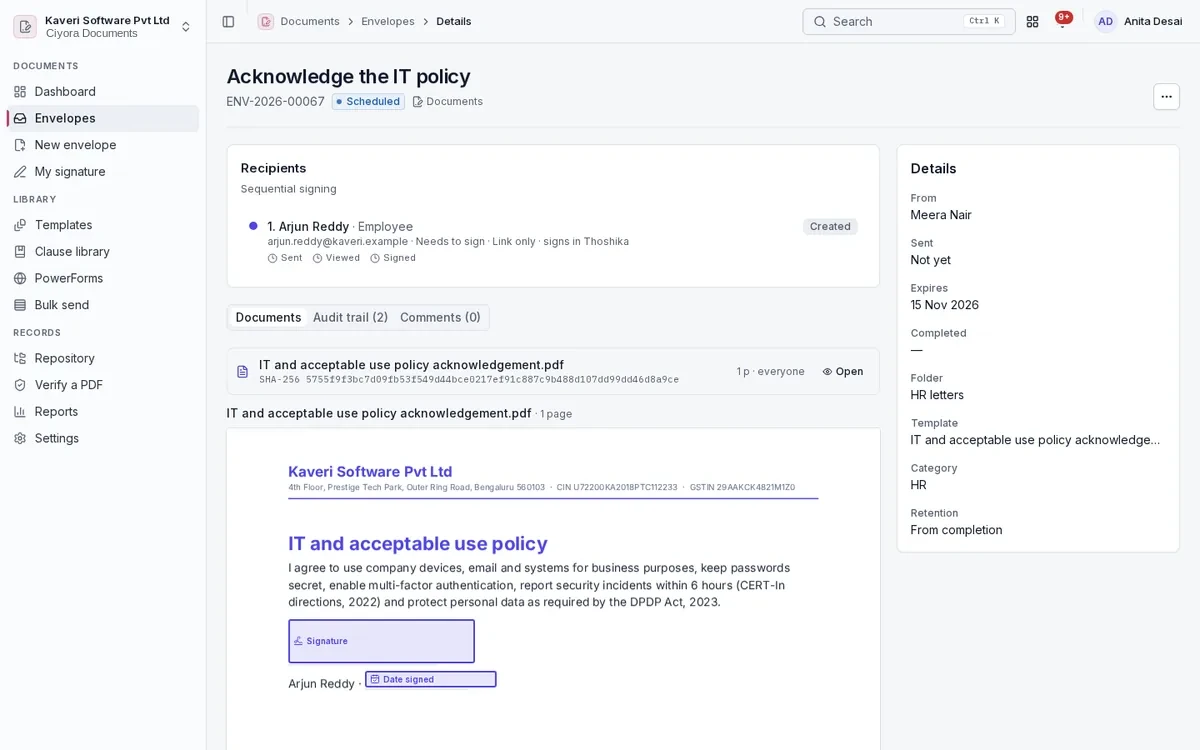
An envelope carries one or more documents to recipients in the order the sender sets.

  • Upload PDF or Word, or start from a template
  • Signers, approvers, viewers, CC, in-person signers and witnesses
  • Sequential, parallel and mixed order, and signing groups
  • Scheduled sending, reminders, expiry and correction while in flight
  • Decline, void, delegate, reassign and resend as a copy
  • Per-recipient document visibility and page comments

Fields

Drag fields onto pages, or let text anchors place them.

  • Signature, initials, date, text, checkbox, dropdown, radio and number
  • Conditional fields and calculated fields
  • Validation for email, mobile, tax IDs, bank codes, ranges and patterns
  • Pre-filled fields, signer attachments and a company seal stamp

Signing

Recipients sign in the browser or the mobile app, with authentication and a disclosure before they start.

  • Email OTP, SMS OTP or an access code
  • Electronic record and signature disclosure with consent logged
  • Drawn, typed or uploaded signatures, saved for next time
  • A “next field” guide through every required field
  • Signing pages in English and Spanish
  • My signature settings for signed-in users

Completion and verification

Completed documents are flattened, given a certificate of completion and sealed so any change shows.

  • Certificate pages with recipients, authentication, IP, times and hashes
  • Digital seal with the company’s own signing key, with key rotation
  • Hash-chained audit trail for every event
  • Public verify page that reports authentic, modified or unknown

Templates and clause library

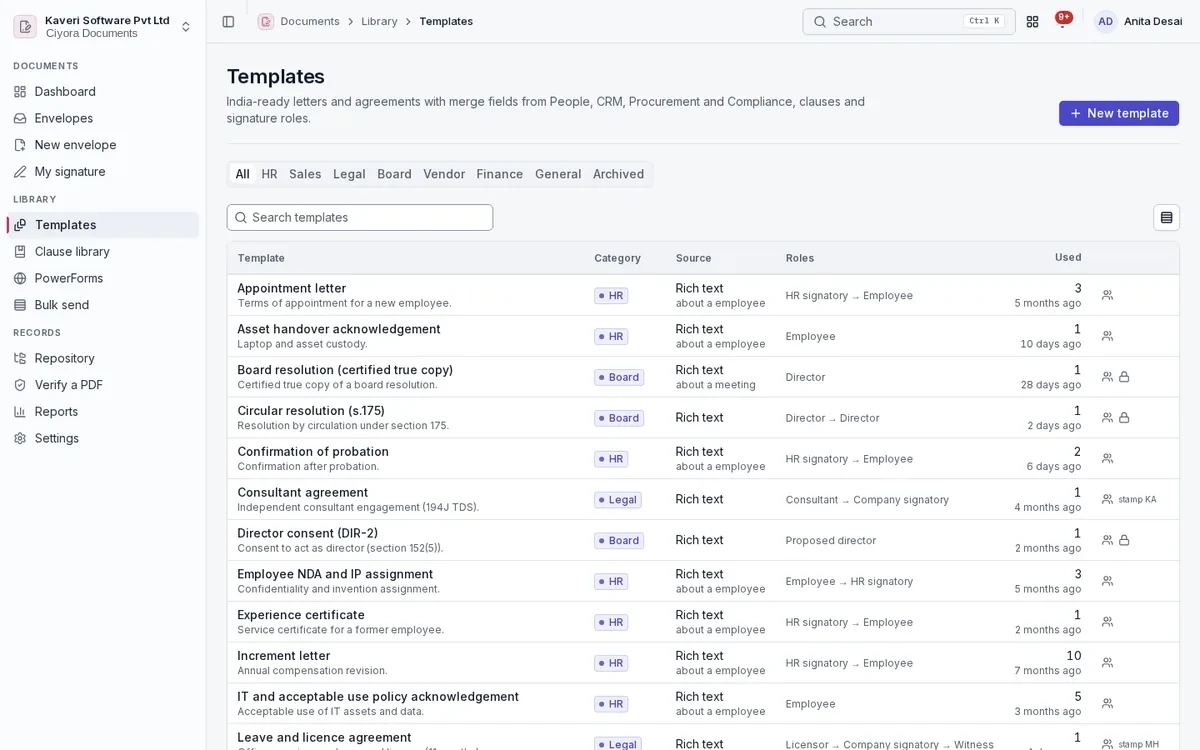
Ready-made letters and agreements with merge fields from People, CRM, Procurement and Compliance.

  • Rich-text templates with merge fields and recipient roles
  • Shared and locked templates by category
  • Clause library and ready-made templates for HR, sales, legal, board and vendor use
  • Approval before sending when the company’s rule matches

Bulk send and PowerForms

Send one template to many people, or publish a self-serve signing link.

  • Bulk send from a CSV with row validation, preview and approval
  • Progress and failures shown per row
  • PowerForms: public links with email OTP, a use limit and an active window
  • Policy acknowledgements, NDAs and waivers without an account

Repository and retention

Completed documents are filed by folder, with who can browse them and how long they are kept.

  • Folders with allowed roles and retention periods
  • Search by number, subject, recipient, status, template and date
  • Purge job that keeps the envelope record, hashes and audit trail
  • Legal hold on an envelope
  • Custody transfer of a departing sender’s envelopes and templates

Reports and settings

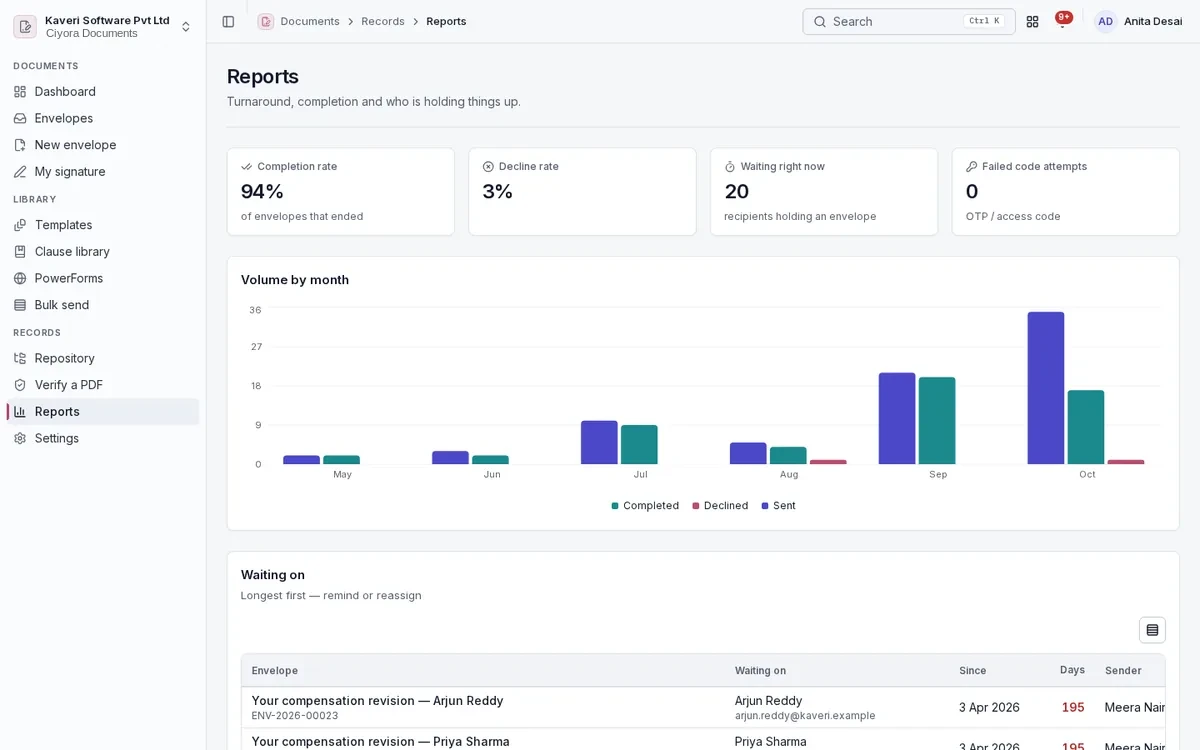
Turnaround and completion reports, and the company’s branding and defaults.

  • Volume by month, completion and decline rates
  • Waiting-on list of who is holding which envelope
  • Turnaround by template and sender, and OTP failures
  • Logo, brand colour, email text, defaults and who may send
  • Outbound webhooks for other systems

Signer portal

External signers who sign often get a portal of their own envelopes.
  • Envelopes addressed to their email in this company
  • Sign and download completed copies
  • Verify a PDF from the portal
Screens

Documents and e-sign in the product

United States

Ready for US companies

US teams send offer letters, NDAs, quotes and vendor agreements for signature the same way.

  • Email OTP or access code before signing
  • Electronic record and signature disclosure with consent logged
  • Certificate of completion and a sealed, tamper-evident PDF
  • Bulk send, PowerForms and witness signing
  • Retention by folder with legal hold
Mobile

Documents and e-sign on Android and iOS

Documents is in the Ciyora app, so signers and senders can act from their phone.

About the mobile apps

On the phone

  • Home with documents to sign, waiting for others and recently completed
  • Envelope list and detail with recipient status and audit trail
  • Sign a pending document with a drawn signature, and OTP when required
  • Decline with a reason
  • Remind recipients as the sender
Who uses it

Roles in Documents and e-sign

Every person signs in once. Roles decide what they see, and can be limited to a location, branch or other scope where the app supports it.

Sender

Prepares envelopes, uses templates, runs bulk sends and tracks signatures.

Documents admin

Owns settings, branding, signing keys, folders, retention and the clause library.

Employee

Signs what they are sent and, where allowed, sends their own documents.

External signer

Signs through a link or the signer portal and downloads completed copies.

See Documents and e-sign with your own processes

Documents and e-sign is available on its own or as part of Ciyora One, with every app for every employee.